Most contractors charge equipment to jobs from a timesheet written at the end of the day, often by a foreman working from memory. Engine hours already know which machine ran, where and for how long. Getting them into job cost takes a rate, a map of jobs and a review step.
Why timesheet hours drift
- A foreman writes 8 hours for every machine on the job because that was the shift.
- An excavator works the morning on one job and the afternoon on another, and the whole day goes to the first.
- A loader sits parked for three days and nobody charges it anywhere.
- A light tower runs every night but never appears on a timesheet.
None of this is dishonest. It is a busy person filling in a form at 5 p.m. The result is a job cost report that makes some jobs look better than they were and others worse, and bids for the next job built on those numbers.
Set the internal rate first
Before any hours move, each machine class needs an internal rate: what an hour of that machine costs the company.
Hourly rate = (annual owning cost + annual operating cost) ÷ planned annual hours
Owning cost covers depreciation, interest, insurance, registration and storage. Operating cost covers fuel, maintenance, repairs, wear parts, and tires or undercarriage. Our worked guide to owning and operating cost per hour goes through each line.
Worked example. A mid-size excavator costs $60,000 a year to own and $48,000 a year to operate at 1,200 planned hours. Its rate is $108,000 ÷ 1,200 = $90 an hour.
The planned hours matter as much as the costs. Plan for 1,200 hours, run 900, and every charged hour falls short of covering the owning cost. Check planned hours against last year’s engine data before you set the rate, not against what the machine ran when it was new.
Set rates per class (20-ton excavators, mid-size wheel loaders, 12-yard dump trucks) rather than per serial number, unless one machine is very different from its class. Date every rate, and revise them once a year.
Choose how hours are charged
Three methods cover most fleets. Pick one per asset class and write it down.
- Engine hours at one rate. Simple and easy to audit. Idle is charged at the full rate, which inflates cost on jobs with a lot of waiting.
- Split rate. Owning cost charged per day on the job, operating cost charged per working hour (engine hours minus idle). The most accurate, with a little more setup.
- Day rate from the geofence. Any day the asset is inside the job boundary is a charge. Suits light towers, generators, trailers and compactors.
Decision rule. Heavy machines on split rate or engine hours. Light assets on day rates from the geofence. Small tools by tag reads, or not charged at all if the effort outweighs the money.
Worked example. On Tuesday an excavator rated at $90 an hour leaves this trace:
| Time | Where | Engine hours | Idle hours |
|---|---|---|---|
| 6:30 to 11:00 a.m. | Job 2417 | 3.5 | 0.5 |
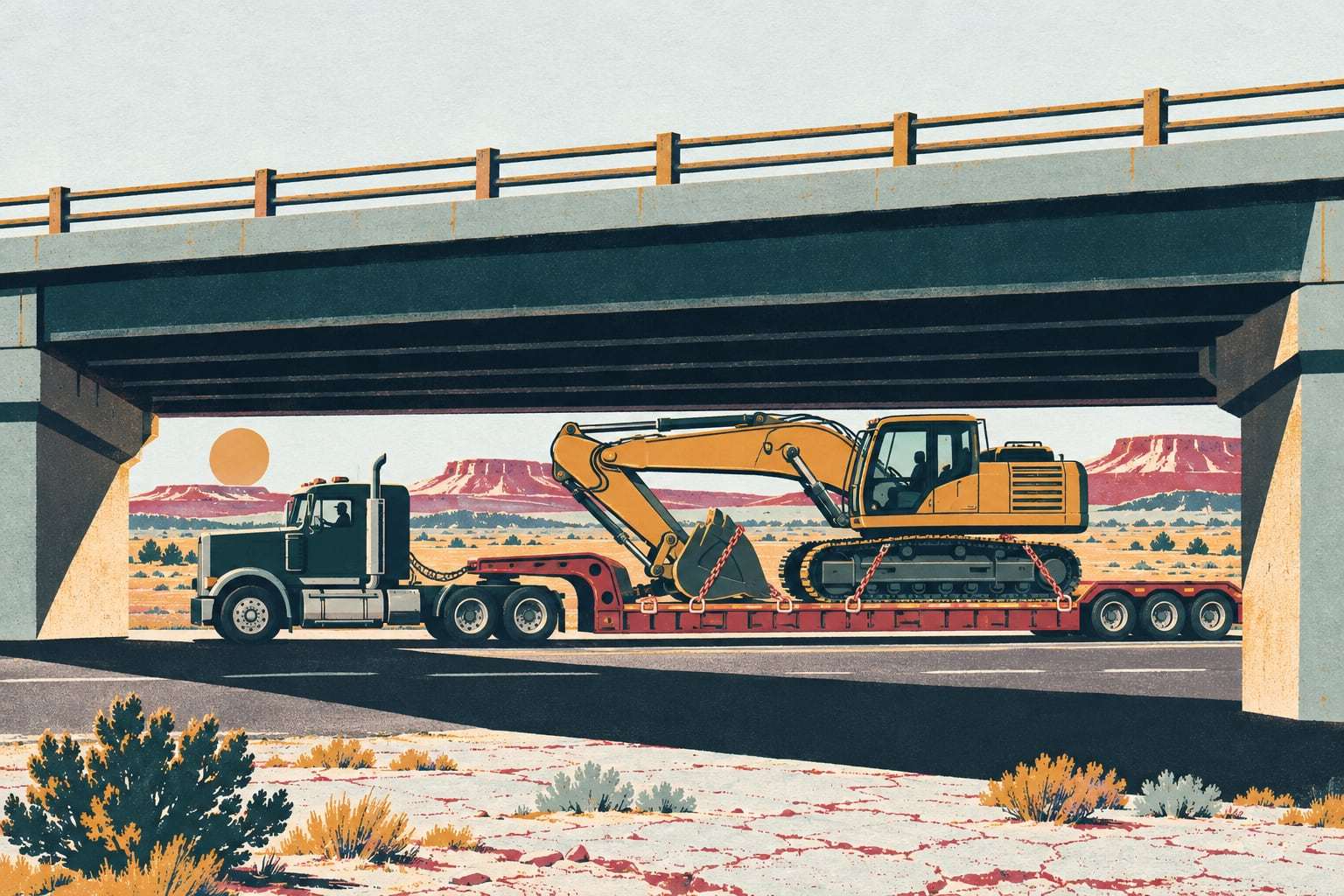
| 11:00 a.m. to 1:00 p.m. | On the lowboy | 0 | 0 |
| 1:00 to 4:30 p.m. | Job 2422 | 3.0 | 1.0 |
Charged on engine hours, Job 2417 gets $315 and Job 2422 gets $270. The timesheet said 8 hours on Job 2417, or $720. One job was overcharged by $405 and the other got nothing. The lowboy move is a separate haul cost, and it belongs on Job 2422, the job that asked for the machine.
Match geofences to job numbers
Hours land on a job because the machine sits inside a boundary. That boundary has to carry the same job number your accounting system uses, character for character.
- One geofence per job, or per phase area on a big site, named with the accounting job number.
- A yard geofence, whose hours go to shop or overhead, never to a job.
- Adjoining jobs get a rule for the overlap, such as the job the machine is assigned to wins.
- Cost codes for phases such as excavation, backfill and paving still come from the foreman. Telematics knows the job and the hours; the foreman knows what the work was.
- Rented machines get the same geofences, charged at the rental rate rather than an internal rate.
Draw the geofence when the job is set up in accounting, not when the first machine arrives. A machine that works two days before its job has a boundary bills those days to nowhere.
Move the data to accounting
There are three common ways to get hours from the fleet system into accounting:
- Scheduled file. A daily or weekly CSV in the layout your accounting system imports.
- API pull. Your accounting system, or a small script, asks the fleet system for hours by machine and job each night.
- Webhooks. The fleet system sends an event when a machine enters or leaves a job, for systems that track changes as they happen.
Each record should carry the machine number, job number, date, engine hours, idle hours, start and end time, and where the hours came from: the engine controller, a manufacturer feed or ignition time. The source column ends most arguments before they start.
Never post raw telematics straight into the ledger. Put a weekly review between them, where a project manager or the equipment manager clears the exceptions:
- a machine with hours on a job it wasn’t scheduled for
- more than 12 engine hours in a day
- a machine on two jobs in one day
- a machine charged to a job after the job closed
- a machine assigned to a job with zero hours all week
The review should take minutes, because the clean records pass through untouched. If it takes hours, fix the setup that is creating the exceptions.
Feed the next bid
Accurate equipment hours by job do more than fix this month’s cost report. They give estimators a production rate from your own jobs instead of a guess.
Equipment hours per unit of work = machine hours on the job ÷ quantity completed
Worked example. A subdivision job in Rio Rancho moved 40,000 cubic yards of dirt, and the excavators on it logged 200 engine hours inside the job geofence. That is 5 excavator hours per 1,000 cubic yards. At $90 an hour, excavator cost came to $450 per 1,000 cubic yards. The next bid on similar ground starts from that number, adjusted for soil, haul distance and season.
Do the same for loaders on a pit, graders on a road job and dozers on pad work. After a season, the estimator has a short table of real rates from your own jobs, and the timesheet guesses stop shaping your prices.
Keep idle visible in these numbers. A job where excavators idled heavily waiting on trucks will show a worse rate than the digging deserved, and the fix there is in trucking, not in the bid.
A checklist before you connect
- Machine numbers match between the fleet system and accounting
- Job numbers match exactly, including suffixes such as 2417-00
- Internal rates set per class and dated
- One charging method per asset class, written down
- Week-ending day and cutoff time agreed
- Time zones settled: most of Arizona doesn’t observe daylight saving time, so an Arizona job and a New Mexico job sit an hour apart for half the year
- Rented and subcontractor equipment flagged
- A named role who clears the weekly exceptions
- A test week run side by side with the old timesheets before you switch
Mistakes in equipment job costing
- Idle by accident. Idle charged at full rate, or left out entirely, without anyone deciding which.
- Stale assignments. The machine moved, the geofence didn’t, and hours bill to a closed job.
- Mismatched job numbers. 2417 in one system and 2417-00 in the other means the import drops the hours.
- Dots without hours. A GPS position says where the machine was, not how long it ran.
- Forgotten standby. A machine on site but parked still carries owning cost, and some contracts allow standby charges on extra work.
- Lost haul costs. The lowboy move that delivered the machine never reaches the job.
- Old rates. A rate set three years ago on a machine that now runs half the hours.
Connect hours to your ledger
Gytix’s utilization and cost analytics splits engine and idle hours by machine and by job geofence, with the source of every hour shown. API and integrations moves those hours to your accounting system by API or scheduled file, with webhooks for systems that want events as they happen. We build the connector during onboarding, so your job numbers and rates come across the way you already use them.
If you are choosing a system for this, the buyer’s guide lists the questions to ask about data export, API access and who owns the records.