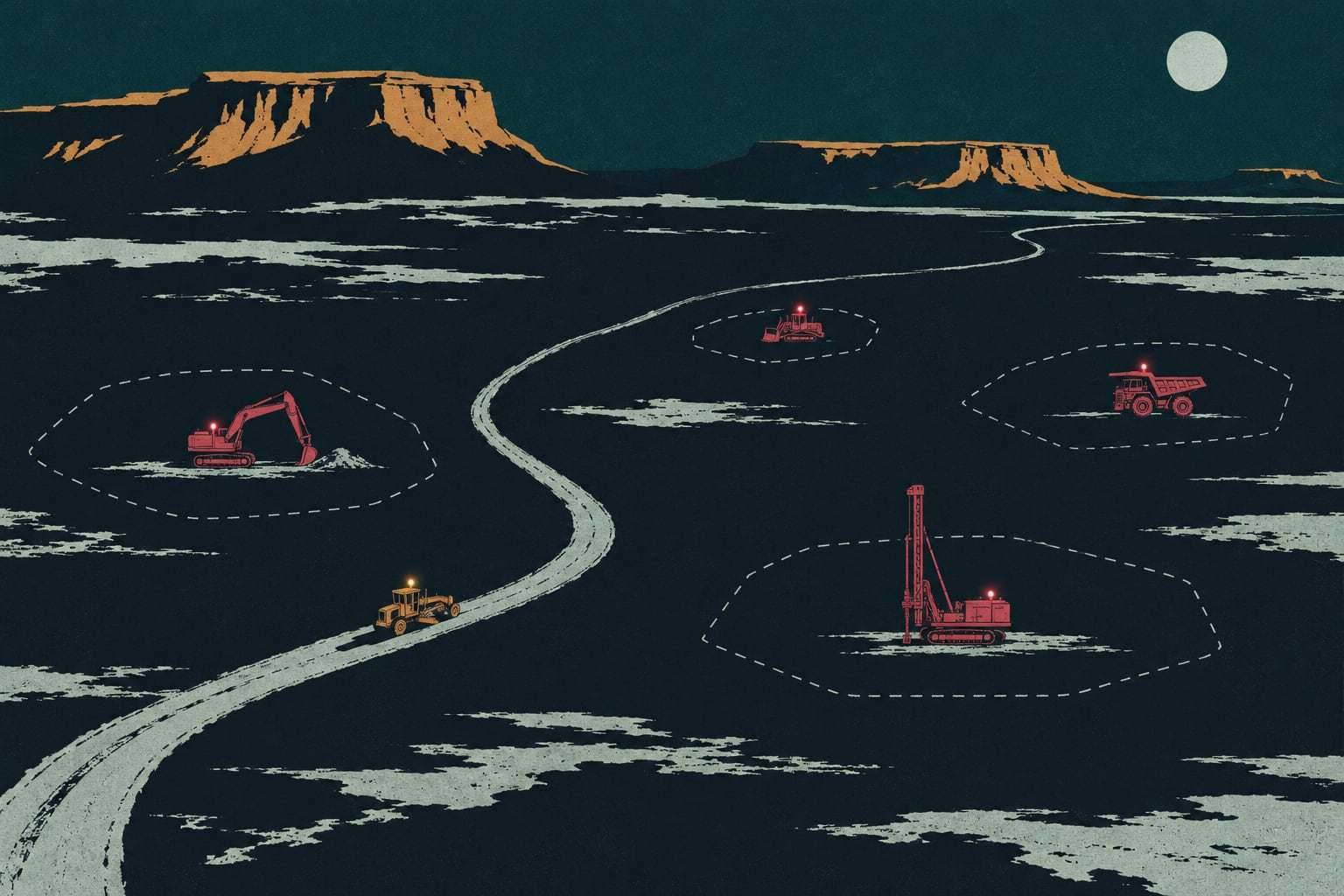
Every machine inside its job
Geofences, after-hours alerts and hours by job, on one map.
- Go-live
- Live in 5 working days
- How you buy it
- Module in the Field plan
A dot on a map at 2 a.m. only helps if someone knows it should not be there. GPS tracking in Gytix draws a boundary around each job, learns its working hours, and tells a named person when a machine moves outside either one.
How tracking goes live
- Day 1
Load the asset list
Machines, serial numbers and current jobs come in from your spreadsheet. Machines with a manufacturer feed connect the same day.
- Days 2 to 3
Fit the gateways
Our installers fit A1 gateways in your yard, 30 to 45 minutes a machine, with a photo record of each install.
- Day 4
Draw the jobs
We draw a geofence around each active job and set its working hours with your superintendents.
- Day 5
Route the alerts
After-hours and off-job alerts go to the phones you name, and each person receives a test alert.
What your office receives
- Who it is for
- Contractors moving machines across several jobs
- A live map of every machine, with position history kept for three years
- A geofence per job, with arrivals, departures and time on site logged
- After-hours and off-job alerts sent to named people by text, push or email
- Engine hours and idle hours per machine, split by the job it worked
- A Monday list of machines parked outside every job or idle five days
- Every position and hour exportable as CSV, any time
Is GPS tracking the right fit?
Right for you if
- Machines move between three or more jobs in a month
- Jobs sit unattended overnight and over weekends
- You bill or cost equipment hours by job
Look elsewhere if
- Every machine stays inside one fenced yard all year
- You want a company that recovers stolen machines; theft response stays with you
Example: a site‑work contractor near Tucson
A site-work contractor runs 45 machines, mostly compact excavators, skid steers and backhoes, across nine subdivisions between Marana and Sahuarita. Weekends were the worry: machines sat alone from Friday at 5 p.m. to Monday at 6 a.m. After go-live, each subdivision has its own geofence and working hours. A skid steer that starts moving at 11 p.m. on a Saturday alerts the superintendent and the owner. The Monday report also splits every engine hour by subdivision, so job costs stop relying on estimates.
Geofences, working hours and job hours
A geofence per job, not per yard. A geofence is a boundary drawn on the map. Gytix ties each one to a job, so arrivals, departures and time on site land on that job’s record. When the work moves to the next phase, a superintendent redraws the boundary from the phone. Machines parked outside every geofence get their own list, which is usually where the forgotten light tower turns up.
Working hours make the alert. Each job carries its own working hours, such as 6 a.m. to 6 p.m. on weekdays. An engine start or movement outside those hours raises an after-hours alert to the people on that job’s list, by text, push notification or email. A machine leaving its geofence during the day raises an off-job alert, so a planned lowboy move can be marked in advance and stay quiet.
Hours that land on the job. Engine hours come from the engine controller through an A1 gateway or the manufacturer feed. Because every hour is stored with the geofence the machine was in, the hours report splits by job without a timesheet. That is the figure job costing and equipment billing need, and it matches the hour meter in the cab.
Who answers the alert. Theft response stays with you: your superintendent, your yard lead and the sheriff’s office. Gytix gives them the live position and the route, and keeps reporting while the machine moves. Fleets that want someone watching overnight add the managed fleet desk, which watches alerts around the clock as a per-machine add-on and follows the call list you set.
GPS tracking questions, answered
How does GPS tracking help prevent construction equipment theft?
It makes movement visible as soon as it happens outside working hours. An after-hours alert goes to the people you name, with the machine’s live position and route. Your team and law enforcement handle the response. If you want someone watching overnight, the managed fleet desk, added per machine on top of your plan, covers alerts around the clock.
Can we see where a machine was last month?
Yes. Gytix keeps every machine’s position history for three years. Pick a machine and a date to see its route, where it sat, how long the engine ran and which job geofence it was inside. The same history exports as CSV for disputes, insurance claims or audits.
Can we track equipment hours by job for billing?
Yes. Every engine hour is stored with the job geofence the machine was inside, so the hours report splits by job on its own, with idle hours shown separately. Export it as CSV for job costing on any plan, or connect it to your accounting system through the API on the Command plan.
Do we need Gytix hardware on every machine?
No. Machines that already report through a manufacturer feed following ISO 15143-3 connect without hardware. Machines with no feed get an A1 gateway, bought outright. Trailers, light towers and generators can carry a B1 battery tracker, also yours to own, which reports once a day.
How is GPS equipment tracking priced?
It is part of the Field plan, priced per connected machine, per month, month to month, with unlimited users. The Field plan also covers engine hours, inspections, utilization reports and full data export. Hardware is bought once, and installation is charged per machine when our crew fits it. Your written quote, within two business days of a walkthrough, shows every figure.
Send us your list of jobs
Send your fleet list. We will show gps equipment tracking on your own machines and quote it in writing.