Keep the shop a week ahead
Hours, fault codes and parts lined up before the machine comes in.

Most breakdowns give notice: an hour meter past due, a fault code nobody read, a filter plugged early on a dusty job. Maintenance scheduling turns that notice into a work order, with parts and the machine’s location attached, while there is time to plan.
The whiteboard cannot read fault codes
In most shops the service schedule lives on a whiteboard or a spreadsheet, updated when someone phones in an hour meter. Fault codes sit in a manufacturer portal nobody opens. Parts get ordered once the machine is already in the bay, and warranty windows close without a claim. Each piece works alone, and none of them tells the next.
What your shop sees coming
Intervals that fit duty
250, 500, 1,000 and 2,000 hour plans per model, tightened for dust, heat and heavy load.
Codes into work orders
A serious or recurring fault code opens a draft work order with the SPN, FMI and hours.
Parts staged in advance
The parts list is reserved on the shelf when the work order opens, not when the machine arrives.
Warranty windows watched
Each machine’s coverage by hours and date, with repairs flagged while a claim is still possible.
Ways to run the shop
Shop plan
Service plans, work orders, fault codes, asset health, parts, warranty and cost per hour, with unlimited users.
Managed fleet desk
Our fleet analysts watch fault codes and overdue services around the clock and alert your shop lead.
Warranty recovery
We match repairs against open coverage and file the claims. You pay a share of what comes back, nothing otherwise.
Service history import
Spreadsheets, paper records or an old maintenance system come in, so intervals count from the real last service.
What the shop works from
Service plans per model
Hour and calendar tasks for every model, loaded from the manufacturer’s schedule plus your own checks.
Work orders with context
Tasks, parts, the machine’s location and its last three services, on a desk screen or a phone.
Fault code triage
J1939 codes decoded into plain language and ranked, so a coolant fault outranks a seat switch.
Inspections in two languages
Pre-shift walkarounds in English or Spanish on the app. A failed item opens a work order.
Parts and reorder points
Min/max levels per part, reserved against work orders, with reorders drafted when stock runs low.
A clean service record
Coverage dates and full history per machine, ready for a warranty claim or a resale.
The parts of maintenance

Preventive maintenance
Service schedules that follow each machine’s real hours and real dust.

Asset health monitoring
Which machine needs a mechanic first, and the work order to send.

Equipment inspections
Walkarounds crews finish, in their language, with photos and a next step.
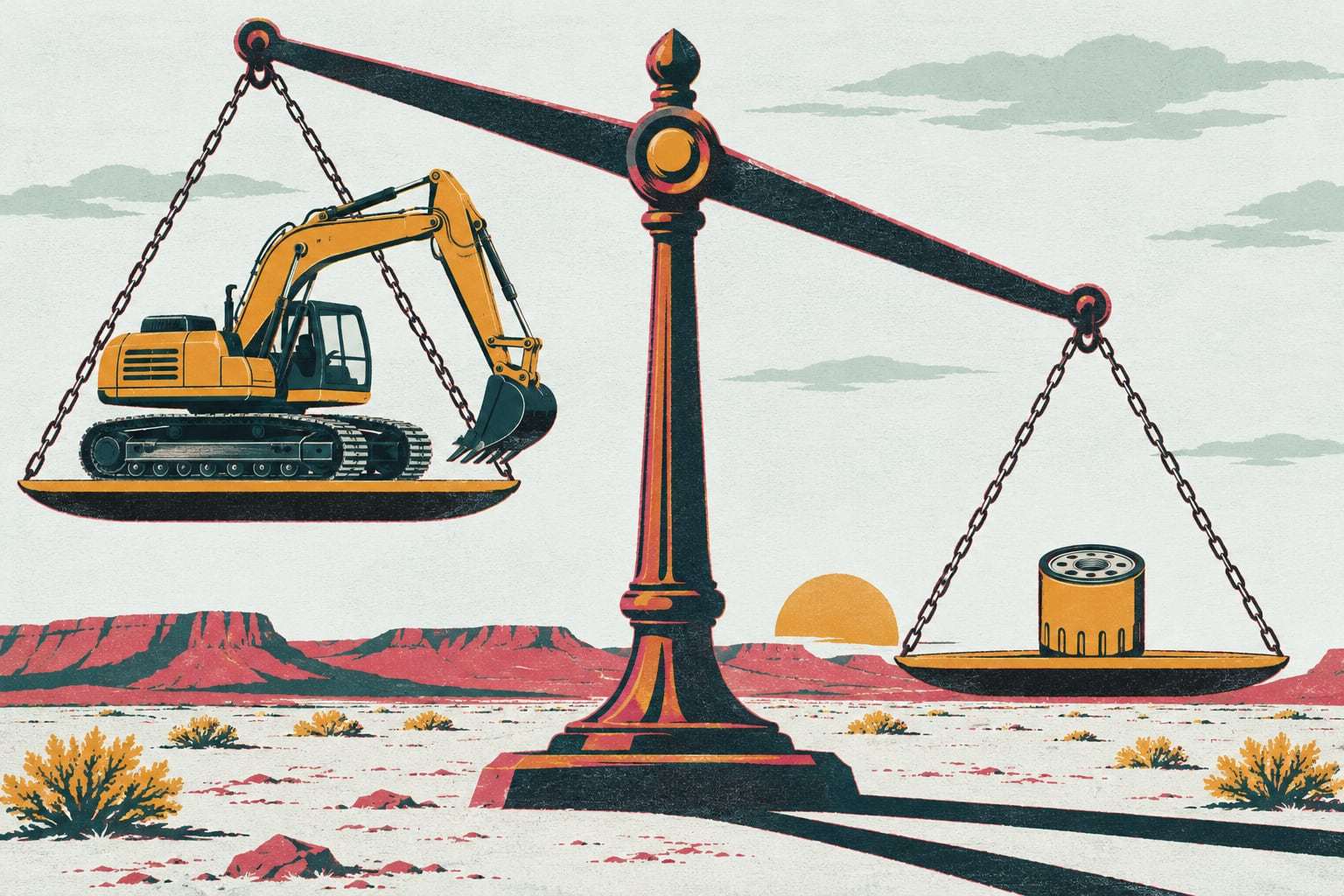
Parts and inventory
The right filter on the right shelf, or on the truck headed out.
Example: a 150‑machine pipeline contractor in Farmington
A pipeline and utility contractor runs 150 machines from a shop in Farmington: excavators, dozers, pipelayers and backhoes working gas gathering lines across the San Juan Basin. Its six mechanics plan services on a spreadsheet and hear about fault codes when an operator calls. After go-live, a recurring DPF fault on three excavators opens draft work orders, the dozers’ 1,000-hour services arrive 50 hours early with filters reserved, and the warranty report flags a final drive repair still inside its coverage window. The shop lead files that claim the same week instead of finding it at year end.
From fault code to finished work
What a fault code carries. Under SAE J1939-73, a diagnostic trouble code combines a Suspect Parameter Number (SPN), a Failure Mode Identifier (FMI) and an occurrence count. The SPN names the part or reading, the FMI says how it failed, and the count shows whether it keeps coming back. Gytix decodes each code into plain language and weighs it against the machine’s hours and recent inspections. A one-time sensor blip stays a note on the machine. A climbing count, or a code tied to coolant, oil pressure or aftertreatment, becomes a draft work order for your shop lead.
Parts before the machine arrives. A work order that opens 50 engine hours ahead gives the parts room about a week to act. Each service plan carries its own parts list, so opening the work order reserves the filters, fluids and belts on the shelf and lowers the on-hand count. If a part drops below its reorder point, a purchase request is drafted for approval. On remote jobs, the same list tells the service truck what to load before it leaves the yard.
Warranty windows are deadlines. New machines and major components carry coverage by hours, by date or both. Gytix stores each machine’s coverage at onboarding and flags any repair that lands inside an open window, alongside the service record showing maintenance was done on time. That record is usually the first thing a claim needs. Shops that would rather not chase claims themselves can hand them to our warranty recovery team.
Maintenance questions, answered
How does heavy equipment maintenance software use fault codes?
It turns them into work. Gytix reads active J1939 fault codes from the A1 gateway or the manufacturer feed, decodes the SPN and FMI into plain language, and opens a draft work order when a code is serious or keeps recurring. Your shop lead decides what gets fixed, and when.
Does the Shop plan charge per user?
No. The Shop plan is priced per connected machine per month with unlimited users, so every mechanic, parts clerk and superintendent can have a login. It runs month to month with 30 days’ notice to cancel, and annual prepay is optional, with both totals on your written quote. See how pricing works.
Can we bring our existing service history into Gytix?
Yes. During onboarding we import service records from spreadsheets, paper files or an export from your old maintenance system, along with current hour meters and warranty dates. Your shop lead checks the last service on each machine before the first work orders open, so every interval counts from the real record.
Does maintenance scheduling work on machines without telematics?
Yes. Machines without an A1 gateway or a manufacturer feed can run on hour meter readings entered in the mobile app during the pre-shift inspection, or on the calendar. Because those hours arrive less often, we set a wider work order window on those machines until they are connected.
How is maintenance scheduling priced?
It runs on the Shop plan, priced per connected machine per month, which covers preventive maintenance, work orders, fault codes and asset health scores, parts, warranty tracking and cost per hour. Onboarding is a flat fee, the managed fleet desk is a per-machine add-on, and warranty recovery is no recovery, no fee. The written quote after a walkthrough on your own fleet list gives the exact figures.
Show us your shop board
Send the fleet list you already keep. We will say plainly whether maintenance scheduling is the right place to start.