Four weeks to a working system
Survey, Connect, Tune, Run, with training in English and Spanish.
- Go-live
- 4 weeks
- How you buy it
- Led by a named onboarding lead
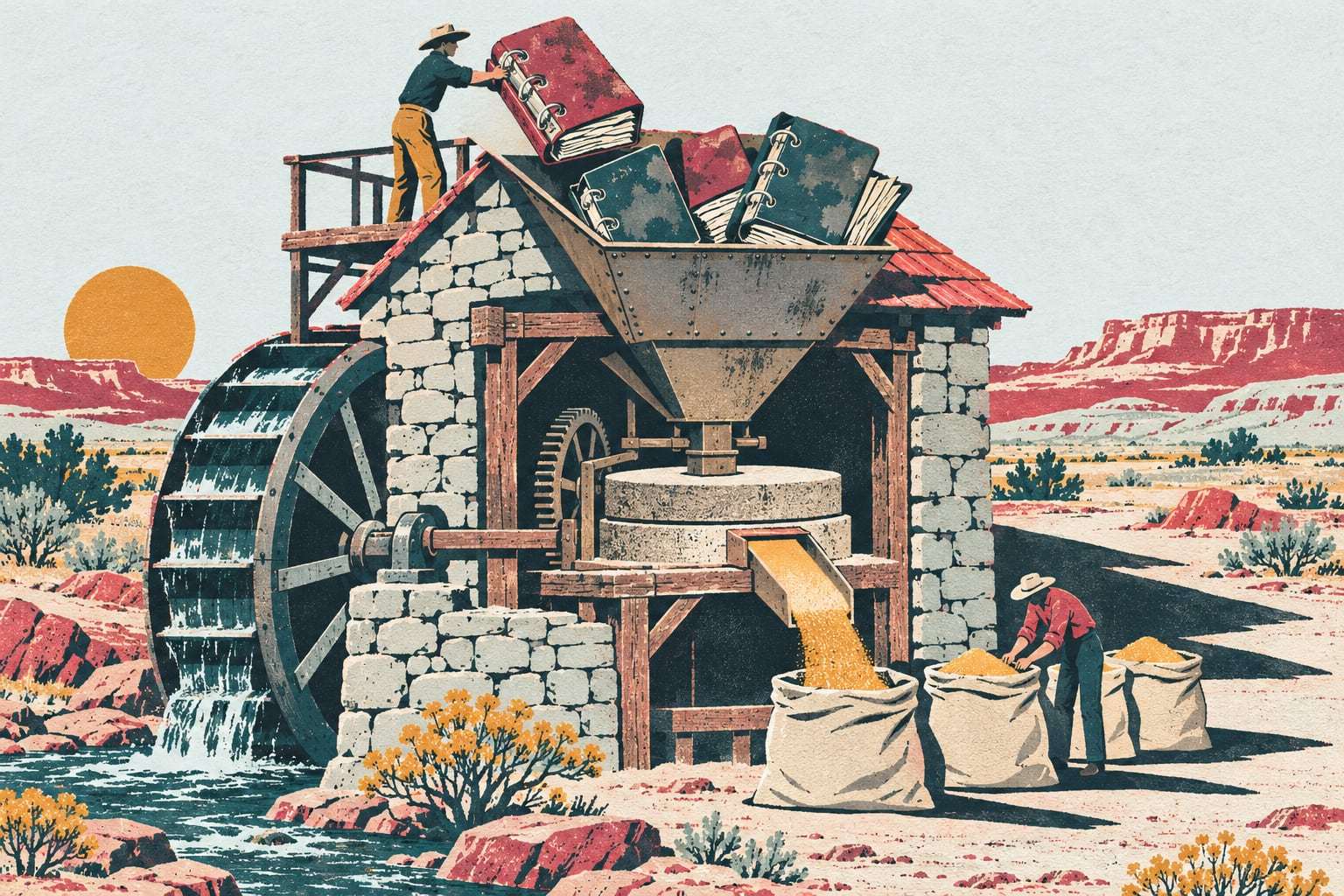
Software nobody opens is just a monthly bill. Onboarding turns your service binders, spreadsheets and whiteboard into a system your operators, mechanics and managers use, in four weeks, with one onboarding lead who stays your named contact for 90 days.
Survey, Connect, Tune, Run
- Week 1
Survey the fleet
Walk the yard and active jobs, list every machine and attachment, collect service history, agree what a good alert is.
- Week 2
Connect the machines
A1 gateways and tags installed, manufacturer feeds connected, service history and the asset list imported.
- Week 3
Tune the rules
Service intervals set for duty and dust, geofences per job, alerts routed to the right phones, dispatch rules set.
- Week 4
Run the first week
The first full week live with daily check-ins, then handover to your team and a 30-day review.
What your team receives
- Who it is for
- Fleets of 25 to 500 machines going live on Gytix
- A named onboarding lead from Survey to Run, and for 90 days after
- Your asset list, service history and job list cleaned and imported
- Service intervals, geofences and alert routing set with your team
- Training for operators, mechanics and managers in English or Spanish
- Remote training sessions included, with on-site days when you want them
- A 30-day review of what is working, what is noisy and what to change
Do you need guided onboarding?
Right for you if
- Service history lives in binders, spreadsheets or an old system
- Your crews work in English and Spanish
- Nobody on staff has time to set up new software alone
Look elsewhere if
- You only need tracking on a few machines and will set it up yourselves
- You want a rollout that asks no time at all from your team
Example: a paving contractor in Clovis
A paving and chip-seal contractor in Clovis runs 28 machines: pavers, rollers, a milling machine, loaders and distributor trucks, with service history in two binders and a mechanic’s notebook. In the Survey week the onboarding lead walks the yard with the shop lead and photographs every machine. By Tune, alerts go to the superintendent and the shop lead instead of the whole crew. Operators learn the pre-shift inspection in Spanish over two remote sessions, and one on-site day covers the mechanics. The lead stays their contact into the winter shutdown.
Training by role, in two languages
What each week asks of you. Survey needs your equipment manager and shop lead for most of a day, plus access to the yard and jobs. Connect needs each machine available for 30 to 45 minutes while its gateway goes in. Tune needs a few hours with whoever sets service intervals and alert rules. Run needs a short daily check-in. Larger fleets stretch the Connect week; the four phases stay the same.
Training by role. Operators learn the pre-shift inspection on their phone, offline, and how to report a defect with a photo. Mechanics learn work orders, parts and fault codes in the app. Managers and dispatchers learn alert routing, the reports and the boards they will run every Monday. Every session runs in English or Spanish, and the walkaround itself is covered in pre-shift inspections crews actually finish.
Remote and on-site. Remote sessions by video call are included in onboarding, and they suit managers, dispatchers and second shifts who cannot be in the yard at 7 a.m. On-site training is charged by the day, worth it for a yard full of operators who learn best standing beside the machine, or a shop that wants a mechanic shown a work order on its own bench.
The 90 days after. Your onboarding lead stays the named contact for the first 90 days. The 30-day review looks at which alerts fired, which were ignored and which machines still need attention, and the rules get tuned again. Often the fix is fewer alerts, sent to fewer phones. After 90 days, support answers from Albuquerque by email during business hours.
Onboarding questions, answered
How long does fleet software implementation take?
About four weeks, in four phases: Survey, Connect, Tune and Run. Week 1 lists the fleet and its history, week 2 installs gateways and imports data, week 3 sets intervals, geofences and alerts, and week 4 is the first full week live. Larger fleets stretch the Connect phase.
How is onboarding priced?
Onboarding and training is a flat fee, and it is included on the Command plan for fleets of 25 machines or more. Remote training sessions are part of it; on-site training is charged by the day. Installation is priced separately, per machine installed. The written quote after a walkthrough on your fleet shows each figure, within two business days.
Is fleet software training available in Spanish?
Yes. Every session, remote or on-site, runs in English or Spanish, and the mobile app, inspections and checklists work in both. A crew can train operators in Spanish and managers in English in the same week, with the same onboarding lead running both.
Who is our contact after go-live?
Your onboarding lead stays your named contact for the first 90 days, through the 30-day review and beyond. After that, support answers by email from Albuquerque, Monday to Friday, 7 a.m. to 5 p.m. Mountain Time, and a person replies within one business day.
What do we need to provide for onboarding?
Your asset list, service records in whatever form they exist, a list of active jobs, and time from your equipment manager and shop lead, mostly in weeks 1 and 3. Each machine needs to be available for 30 to 45 minutes during the Connect week.
Start with a fleet walkthrough
Send your fleet list. We will show onboarding and training on your own machines and quote it in writing.