Parts on the shelf before the service
Min/max levels, reserved parts and stock on every service truck.
- Go-live
- Live in 10 working days
- How you buy it
- Module in the Shop plan
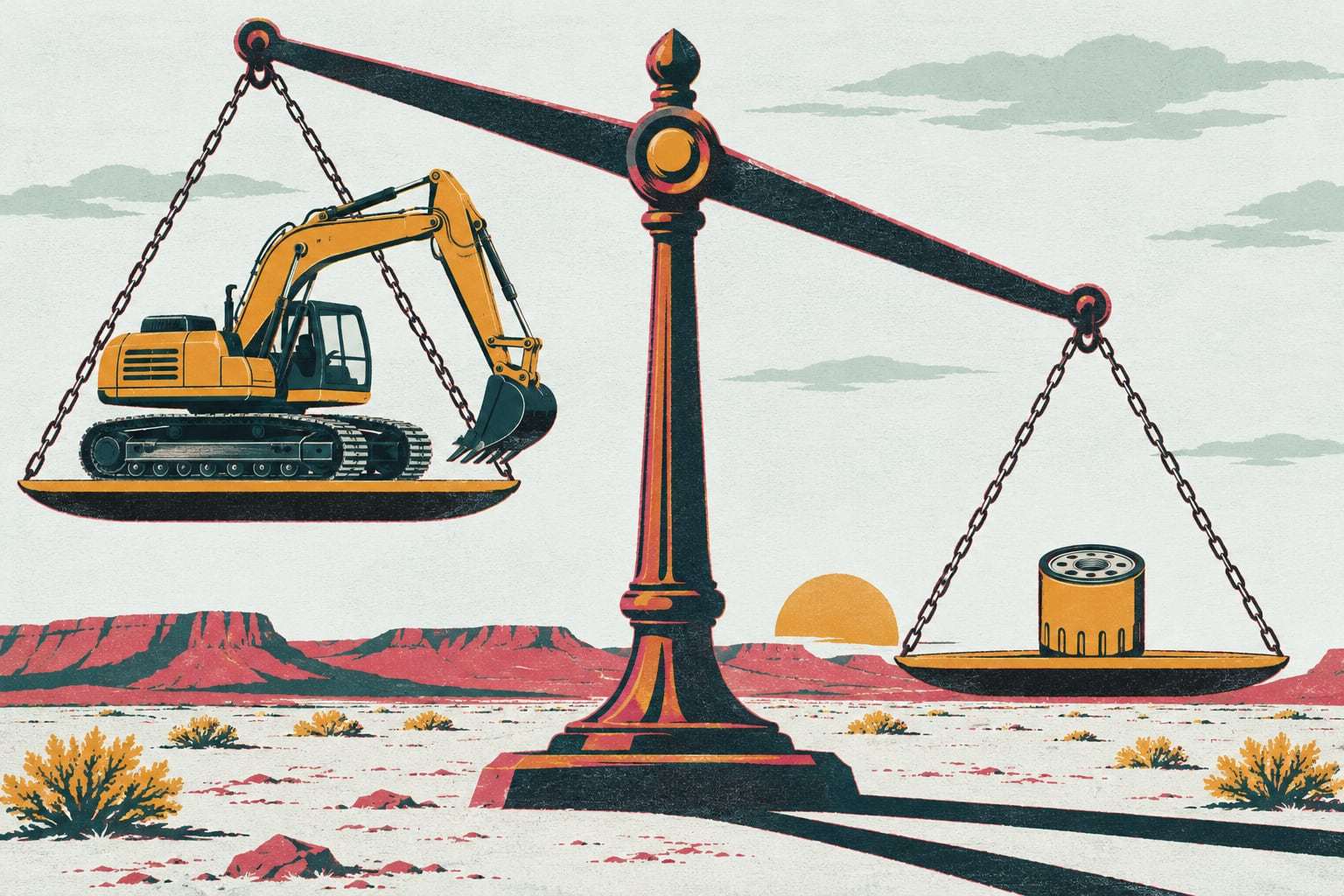
One missing oil filter on Monday morning can park an excavator until Wednesday. Parts and inventory in Gytix sets a min and max for every part at every location, reserves parts as work orders open, and shows what each service truck carries before it leaves.
How parts go live
- Days 1 to 3
Count the shelves
Your parts list comes in from a spreadsheet or old system, and we count stock by location, trucks included.
- Days 4 to 6
Link parts to machines
Filters, belts and wear parts are matched to each model’s service plans, so every work order knows what it needs.
- Days 7 to 8
Set the levels
Your parts lead sets min and max per location and flags the critical spares that can stop a machine.
- Days 9 to 10
First reorder list
Open work orders reserve their parts, and anything below its min lands on a reorder list by vendor.
What your parts lead receives
- Who it is for
- Shops with a parts room and service trucks
- A parts list with stock counts at every yard, shop and service truck
- Min and max levels per part per location, with reorder lists by vendor
- Critical spares flagged with vendor lead time and the machines that need them
- Parts reserved automatically when a work order opens
- Parts runs logged from shelf to machine, with who carried what
- Parts cost per machine and per job, ready to export to accounting
Is parts tracking the right fit?
Right for you if
- You keep a parts room but count it once a year
- Service trucks carry stock that nobody has on paper
- A machine has waited days for a part sitting in another yard
Look elsewhere if
- Your dealer stocks and supplies every part under a service contract
- You need full purchasing and payables software; we export to it instead
Example: an earthmoving contractor in Arizona
An earthmoving contractor runs 120 machines from yards in Phoenix and Casa Grande, with three service trucks covering jobs as far out as Florence. Each truck carried its own filters and hoses, and the Casa Grande shop often bought parts already on the Phoenix shelf. After go-live, each yard and each truck is a stock location with its own min and max. When a loader near Florence comes due for its 500-hour service, the work order reserves filters on the nearest truck, and the run from Phoenix for a hydraulic hose is logged against it.
Min/max, critical spares and parts runs
Min and max, per location. A min is the reorder point: when stock drops to it, the part lands on the reorder list. A max is the level to reorder up to. Gytix sets both per part and per location, so the main yard and a service truck can hold different amounts of the same filter. Parts reserved by open work orders count as gone, so the shelf you see is the shelf you can use.
Critical spares. Some parts are cheap to stock and expensive to wait for: a final drive seal, a starter, the hydraulic hose for the only excavator on a remote job. Flag a part as critical and Gytix keeps at least one on hand, shows the vendor’s lead time and lists the machines that depend on it. Check the critical list before a long job starts.
Service trucks are stock locations. Each service truck carries its own stock with its own min and max. A mechanic who uses a part from the truck records it on the work order in the app, offline if needed, and the truck’s count updates when the phone syncs. When a preventive maintenance work order opens, its parts are reserved from the nearest location that has them.
Parts runs to remote jobs. When a part has to travel, the run is logged against the work order: what left which shelf, who is carrying it, and which machine it is for. The superintendent on a job two hours out can see the hose is on the way without a phone call, and the mechanic knows what will arrive.
Parts and inventory questions, answered
How does equipment parts inventory software set reorder points?
Each part gets a min and a max at each location. When stock falls to the min, the part goes on a reorder list grouped by vendor, with the quantity needed to reach the max. Your parts lead sets the levels at go-live, and parts reserved by open work orders count as already used.
Can we track parts on service trucks?
Yes. Each service truck is its own stock location with its own min and max. Mechanics record parts used from the truck on the work order in the mobile app, even offline, and the truck’s count updates when the phone syncs. You see what every truck carries before it leaves the yard.
What is a critical spare?
A critical spare is a part that is cheap to keep on the shelf but expensive to wait for, because the machine stops without it. Gytix flags critical spares, keeps at least one in stock, shows the vendor’s lead time and lists the machines that depend on each part.
Does it connect to our accounting or purchasing system?
Yes, by export. Reorder lists and parts costs by machine and job export as CSV on the Shop plan, and the Command plan adds the full API and webhooks for a live connection. Gytix does not replace purchasing or accounts payable; it tells them what to buy and why.
How is parts and inventory priced?
It is part of the Shop plan, billed per machine per month, month to month, with unlimited users, so every mechanic and parts runner can log in. The Shop plan also includes preventive maintenance, asset health and warranty tracking. There is no extra charge per part or per stock location. Your written quote after a fleet walkthrough shows the exact figure.
Show us your parts room
Send your fleet list. We will show parts and inventory on your own machines and quote it in writing.