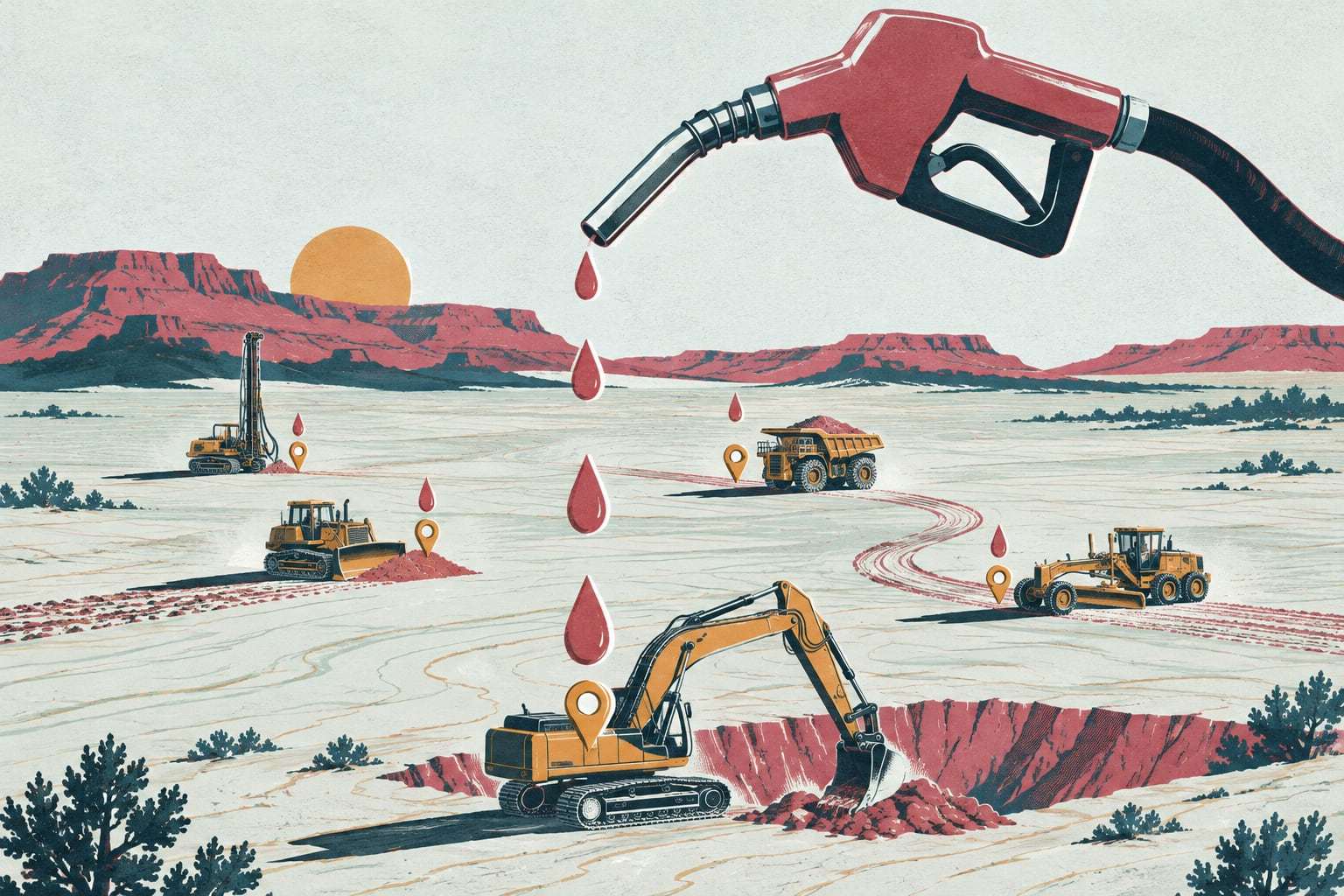
Every gallon matched to a machine
Fuel delivered, fuel burned and the gap between them, by job.
- Go-live
- Live in 10 working days
- How you buy it
- Module in the Command plan
The fuel truck’s tickets say 300 gallons went into the dozer this week. Its engine says it burned 210. Gytix puts those two numbers side by side for every machine and turns the gallons burned into fuel per job, idle fuel and Scope 1 CO2.
How fuel tracking goes live
- Days 1 to 3
Connect the fuel sources
Fuel truck fills logged in the app, metered job tanks and supplier delivery tickets imported by file.
- Days 4 to 6
Check engine fuel data
We confirm which machines report fuel burned and agree a burn rate per hour for the rest.
- Days 7 to 8
Set variance rules
You choose how large a gap between fuel in and fuel burned raises a flag, and who sees it.
- Days 9 to 10
First fuel report
Fuel per machine and per job, idle fuel, open variances and CO2 for the period so far.
What the fuel report shows
- Who it is for
- Fleets fueling 20 or more machines on the job
- Fuel in against fuel burned for every machine, every week
- Variance flags when fills and engine burn drift apart
- Gallons and fuel cost per job, split by geofence
- Idle fuel per machine, from engines that report it
- Scope 1 CO2 from diesel using the EPA factor, exportable as CSV
- Fuel truck fills logged on a phone, offline, with the hour meter filled in
Does fuel tracking fit you?
Right for you if
- A fuel truck or job tanks fuel your machines on site
- General contractors or owners ask you for fuel or CO2 figures
- Fuel spend keeps rising and nobody can say which machine or job
Look elsewhere if
- Most machines are too old to report fuel and your tanks have no meters
- You need a full greenhouse gas inventory across buildings, trucks and travel
Example: an earthwork crew near Los Lunas
An earthwork subcontractor runs 50 machines on an industrial build near Los Lunas, fueled by two fuel trucks on the night shift. The general contractor asks every subcontractor for quarterly fuel use and CO2. After go-live, the fuel truck drivers log each fill on a phone, and Gytix matches it to the machine’s engine burn. One wheel loader shows about 40 more gallons in than out each week, traced to fills logged against the wrong unit. At quarter end the controller exports gallons and CO2 for the job and sends the file to the general contractor.
Fuel in, fuel burned, CO2 out
Fuel in, fuel burned. Many engines report total fuel used over J1939, and the A1 gateway or the manufacturer feed brings that figure into Gytix. Fuel in comes from fuel truck fills logged in the app, metered job tanks or delivery tickets imported by file. Over a week the two should agree within about a tank. When they do not, the gap points to a fill logged against the wrong machine, a ticket error, a leak or fuel leaving the job.
Idle fuel. Many engines also report fuel burned at idle. Multiply it by your fuel price and you have the cost of engines running with nothing to do, per machine and per job. Where an engine reports idle hours but not idle fuel, Gytix estimates idle fuel from an agreed burn rate and labels it as an estimate in every report and export.
Scope 1 CO2. Diesel burned in machines you own or control is a Scope 1 emission. The EPA’s GHG Emission Factors Hub lists 10.21 kilograms of CO2 per gallon of diesel fuel, so 1,000 gallons works out to 10,210 kilograms, about 10.2 metric tons. Gytix applies that factor to the gallons each machine burned and exports the result by job and period as CSV, ready for a general contractor’s questionnaire. Confirm the method your customer or auditor expects; Gytix reports the arithmetic, not a verified inventory.
Fuel and emissions questions, answered
How does Gytix match fuel to each machine?
It compares the fuel that went into each machine with the fuel its engine says it burned. Fills come from fuel truck entries in the app, metered tanks or imported delivery tickets. Burn comes from the engine through the A1 gateway or the manufacturer feed. A gap beyond your threshold raises a flag that week.
Can we see fuel use per job?
Yes. Each machine’s engine fuel burn is assigned to the job whose geofence it was working in, so a dozer that splits a week between two jobs splits its gallons too. The fuel report shows gallons and cost per job and per machine for any period you choose.
How is Scope 1 CO2 from equipment calculated?
Gytix multiplies the diesel each machine burned by the factor in the EPA’s GHG Emission Factors Hub, 10.21 kilograms of CO2 per gallon. The result exports by job, machine and period as CSV for a general contractor’s questionnaire. Confirm the reporting method your customer asks for before you submit it.
What about machines that do not report fuel?
Older machines without engine fuel data use an agreed burn rate per hour, set with your shop lead and multiplied by engine hours. Those figures are labeled as estimates in every report and export, so nobody mistakes them for measured fuel, and they can be replaced by real data once the machine is upgraded.
How is fuel and emissions tracking priced?
It is part of the Command plan, charged per connected machine each month, month to month with unlimited users. Command also includes dispatch and haul planning, rental tracking, the AI maintenance agent and the full API, on top of everything in the Field and Shop plans. We walk your fleet first, then send a written quote with the exact figure within two business days.
Send us your fuel tickets
Send your fleet list. We will show fuel and emissions on your own machines and quote it in writing.