Know where every machine is
Location, hours and alerts for every brand, even off the grid.
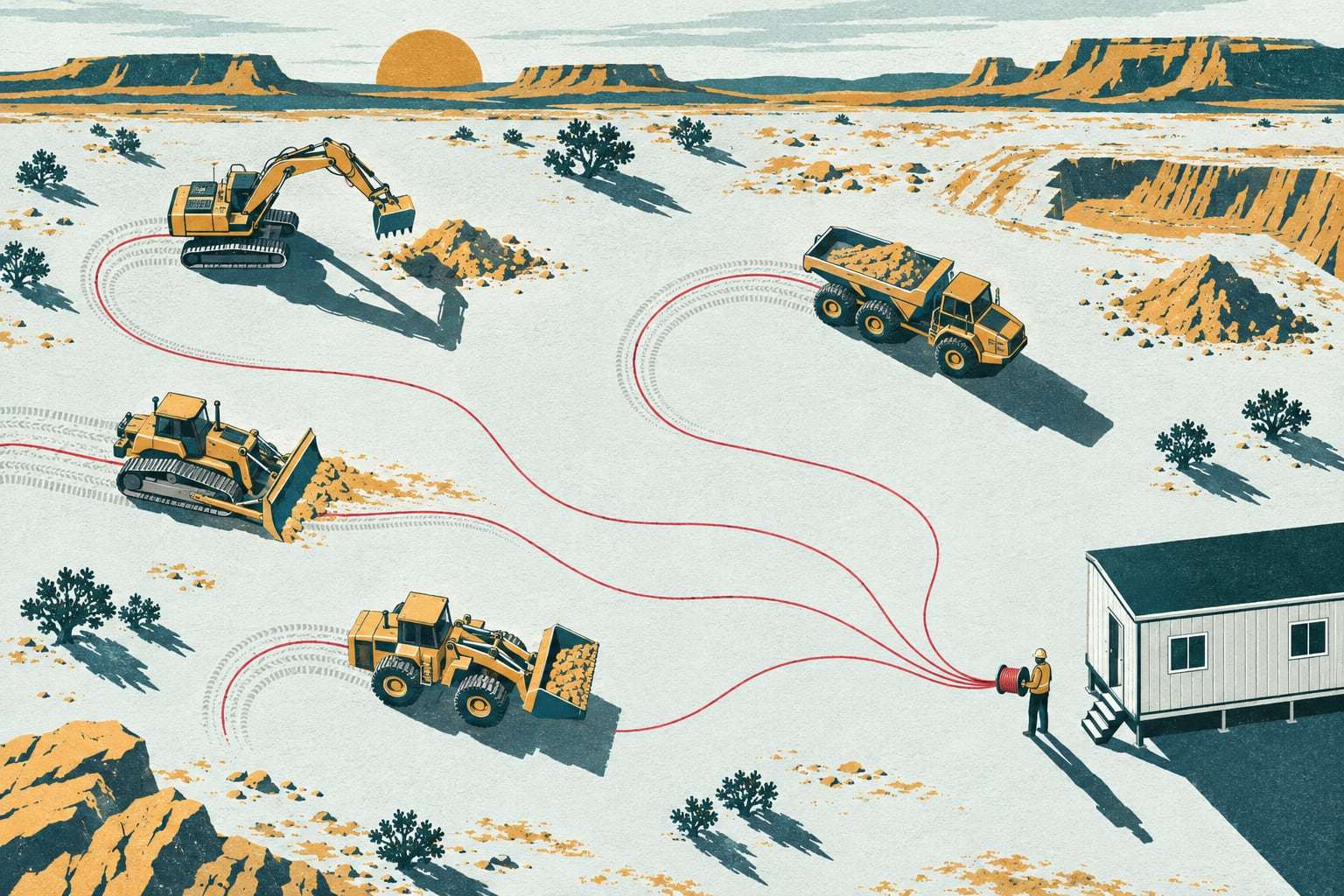
A machine you cannot find is a machine you pay for twice: once on the loan, once on the rental that replaces it. Tracking turns every excavator, loader, light tower and breaker into a line on one map with its hours beside it, whether it reports by cellular, satellite or its manufacturer’s own feed.
Five brands, three portals, no answer
Most heavy fleets already pay for some telematics. The newer excavators sit in one manufacturer’s portal, the loaders in another, the rentals in a third, and half the fleet reports nothing at all. So the question “where is excavator 14 and how many hours did it run last week?” still ends in a phone call to a superintendent who is busy. Machinery tracking puts all of it, owned and rented, on one screen and one hour meter.
What you can answer by Monday
One map, every brand
Manufacturer feeds, Gytix gateways and older trackers report into the same list, with the same fields.
Hours you can bill
Engine hours and idle hours per machine per job, ready for the timesheet and the job cost report.
Alerts that mean something
After-hours movement, a machine leaving its job, a battery tracker going quiet. Sent to the right phone, not everyone.
Coverage past the tower
Gateways store 30 days of data offline and the A1S sends position and hours by satellite every 15 minutes.
Ways to connect a machine
Field plan
Tracking, hours, geofences, alerts, inspections and the mobile app for every machine with an A1 or a manufacturer feed.
Bring your own device
Machines that already report through an ISO 15143-3 feed connect in a day. You keep the subscription you have.
Light asset tracking
A B1 battery tracker reports once a day for up to five years. Bolt it on and forget it is there.
Satellite add-on
The A1S keeps position, hours and fault codes flowing where the nearest cell tower is a county away.
What tracking covers
Live map and history
Every machine’s position, the route it took and where it sat, for any day in the last three years.
Engine and idle hours
Read from the engine itself, so the hour meter in the office matches the one in the cab.
Geofences per job
Draw the job boundary once. Arrivals, departures and after-hours movement are logged against that job.
Theft and tamper alerts
Movement outside working hours, power cut to the gateway, a tracker removed. Each goes to a named person.
Tools on the same map
T1 tags on breakers, buckets and laser levels are read by any nearby A1 or a crew phone.
Full data export
Every position and hour, downloadable any time as CSV or through the API. The data is yours.
The parts of tracking
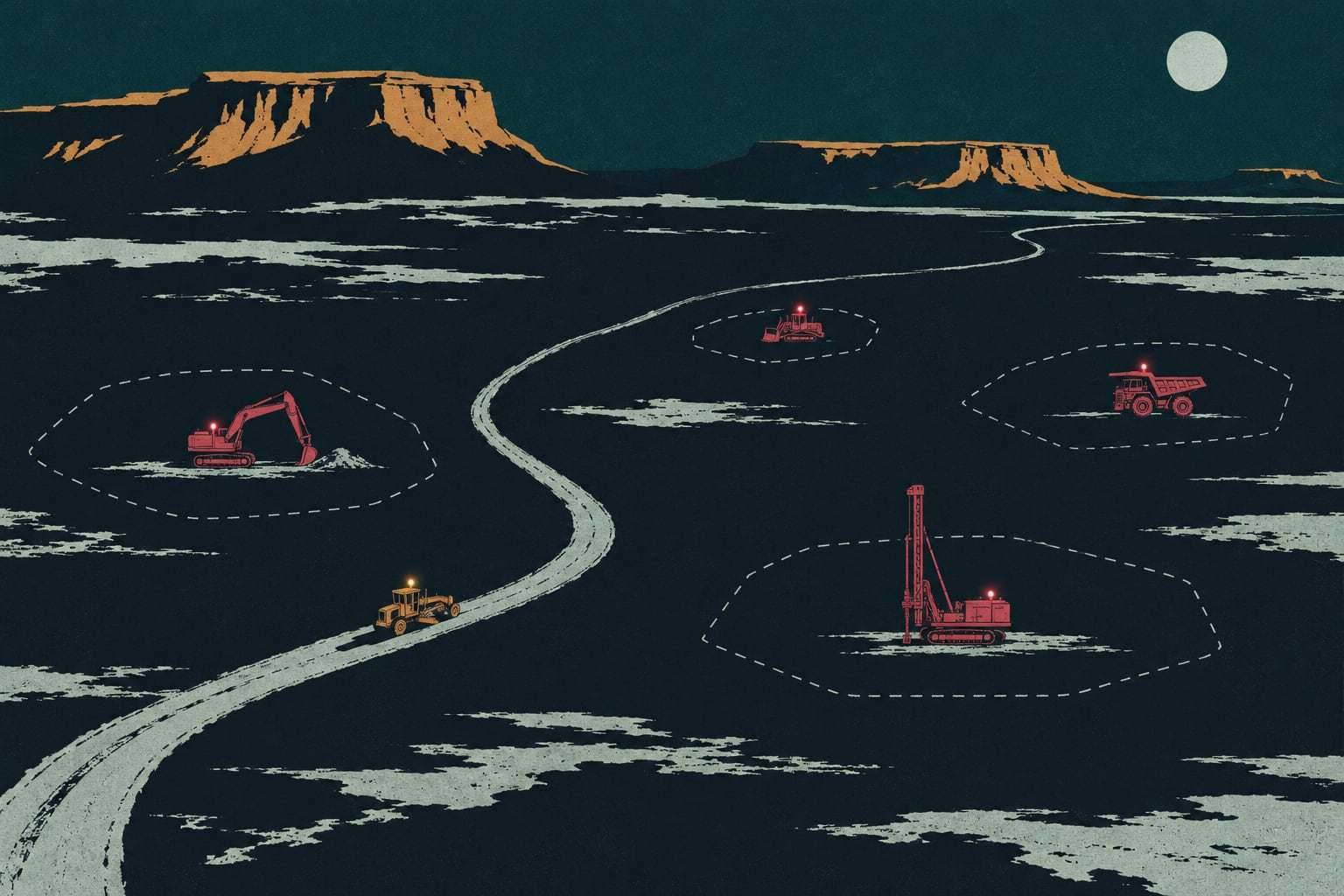
GPS equipment tracking
Every machine on one map, inside the job it belongs to, with its hours.

Mixed-fleet telematics
Every maker’s feed and every older tracker, read into the same fields.
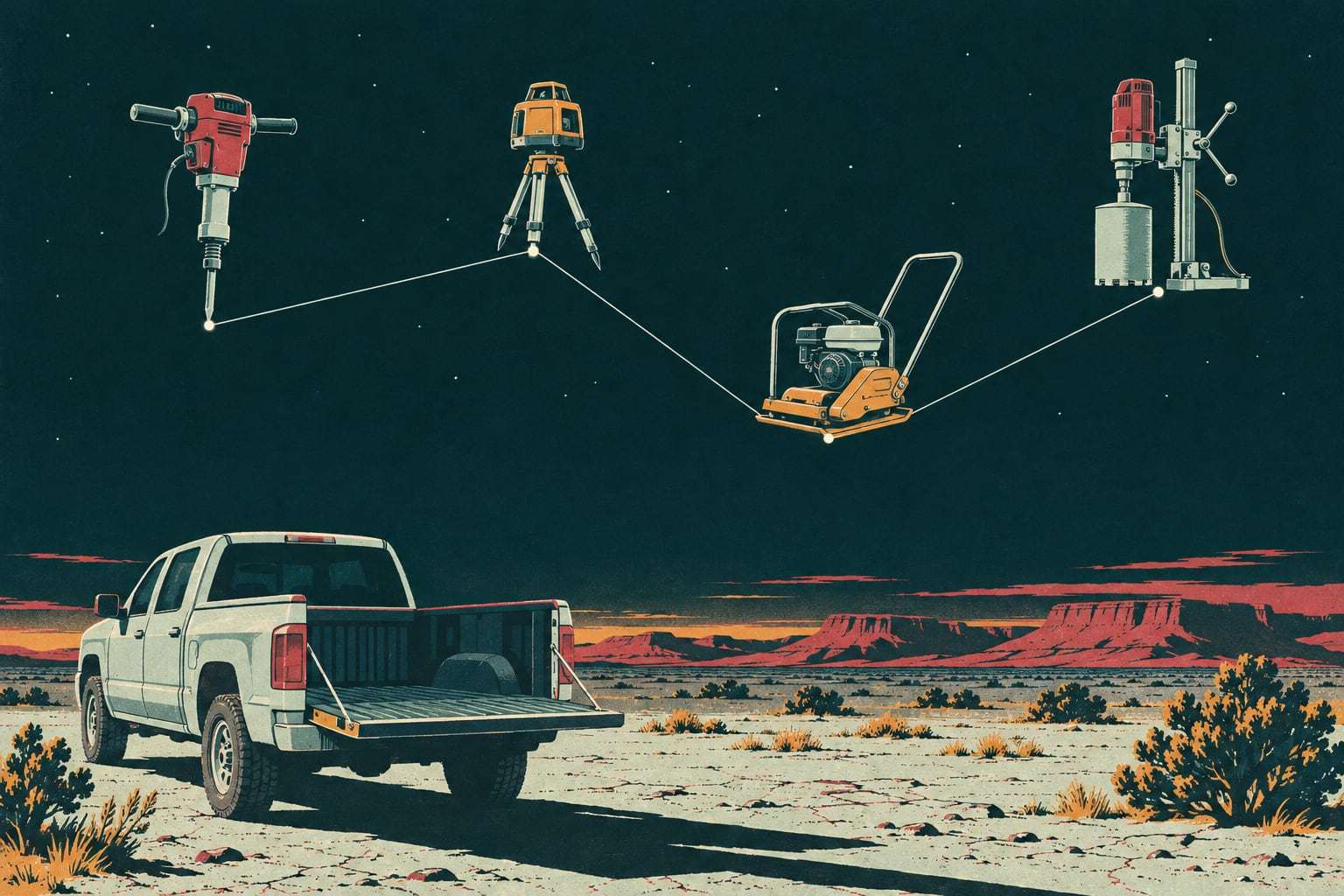
Tool and attachment tracking
Breakers, buckets and laser levels, last seen where they were left.
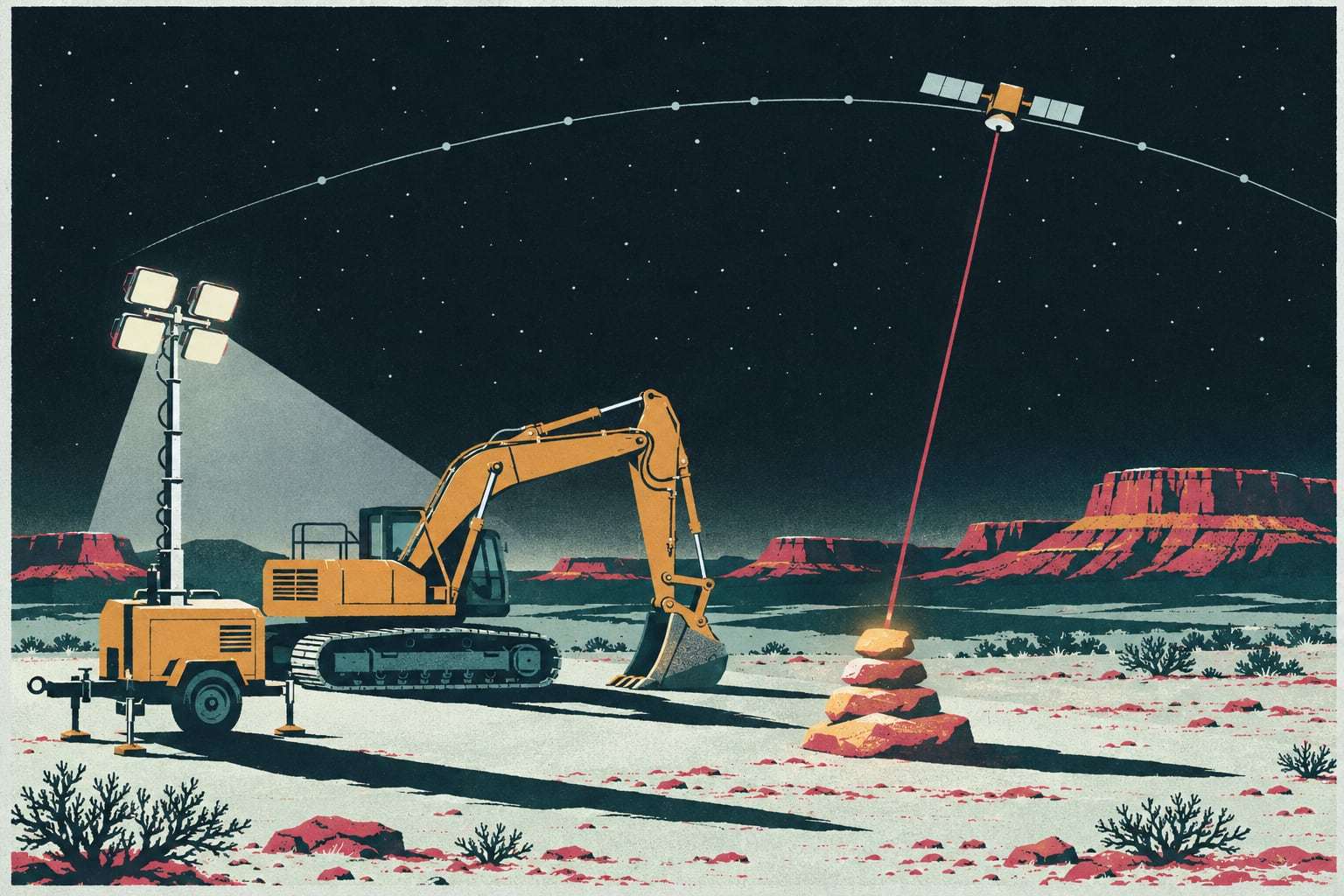
Satellite tracking
Position, hours and fault codes from jobs the cell towers never reach.

Tracking hardware
Four sealed devices you buy once, own outright and can read the specs of.
Example: a 70‑machine civil contractor
A road contractor in Albuquerque runs 70 machines from four manufacturers across six jobs between Los Lunas and Bernalillo. Twenty-two machines already report through manufacturer feeds, so those connect without hardware. Our crew fits A1 gateways to the other 48 over two days in the yard and puts B1 trackers on 15 trailers and light towers. By the end of the second week, the equipment manager runs the Monday report from one screen: hours by job, machines idle more than five days, and two light towers still sitting on a finished job.
How mixed‑fleet tracking works
Three ways a machine reports. A machine reports through one of three paths. A Gytix A1 gateway wired to the machine reads its J1939 engine data and GPS position. A manufacturer’s telematics feed, which most newer machines already have, is pulled into Gytix using the ISO 15143-3 standard. An older third-party tracker you already own is connected by its own data feed. Gytix normalizes all three into the same fields: position, engine hours, idle hours, fuel used and active fault codes.
Why hours matter more than dots. A dot on a map tells you where the machine is. The hour meter tells you what it costs and when it needs service. We read hours from the engine controller wherever the machine exposes them, and fall back to ignition time where it does not. The source of every hour figure is shown, so nobody argues about it.
When the signal drops. Across much of New Mexico and West Texas, a lease road or a mesa top has no usable cellular coverage. The A1 stores up to 30 days of readings and sends them the moment it reconnects. Where waiting is not good enough, the A1S adds a satellite link that sends position, hours and active fault codes every 15 minutes.
Tracking questions, answered
Can Gytix track machines that already have manufacturer telematics?
Yes. Machines that report through a manufacturer feed following ISO 15143-3 connect without any Gytix hardware. You keep your existing subscription with the manufacturer, and we pull position, hours and fault codes into the same list as everything else.
How is tracking priced per machine?
Tracking is part of the Field plan, priced per connected machine per month, month to month, with unlimited users. Hardware is bought outright and stays yours, whether an A1 gateway, the satellite A1S or a B1 battery tracker. Your written quote, sent within two business days of a walkthrough on your own fleet list, shows the exact figures.
How long does installation take?
An A1 gateway takes 30 to 45 minutes on most machines. One of our crews fits 40 to 60 machines a week in your yard, and every install gets a photo record and a test report before the crew leaves.
Does tracking work where there is no cell coverage?
The A1 stores 30 days of data and uploads it when it reconnects. For jobs that need live position without coverage, the A1S gateway sends position, hours and fault codes by satellite every 15 minutes, with satellite data billed per gateway per month.
Who owns the tracking data?
You do. Every record can be exported as CSV or through the API at any time, including after you cancel. We never sell fleet data or share it with manufacturers, dealers or lenders.
See your own fleet on one map
Send the fleet list you already keep. We will say plainly whether machinery tracking is the right place to start.