Five makers, one hour meter
Manufacturer feeds and the trackers you own, in one format.
- Go-live
- Live in 5 working days
- How you buy it
- Included in every plan
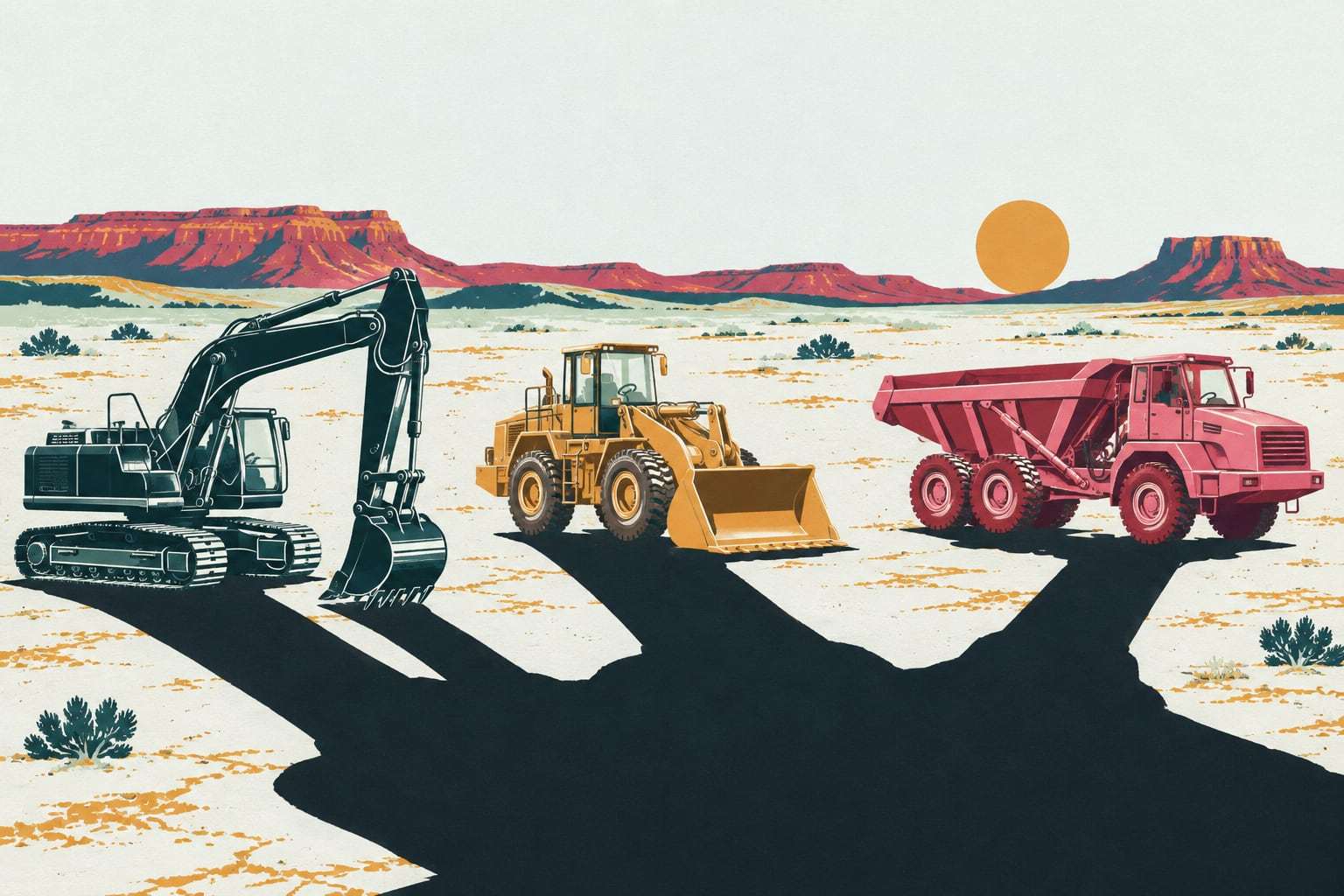
The newer excavators report to one manufacturer’s portal, the loaders to another, and a dozen older machines carry a tracker someone bought years ago. Mixed-fleet telematics pulls all of them into Gytix and writes hours, position and fault codes the same way for every machine.
How the feeds connect
- Day 1
Map every reporting path
We list each machine and how it reports today: a maker’s feed, an older tracker, or nothing at all.
- Days 2 to 3
Connect the maker feeds
You grant access in each manufacturer’s portal. We connect the ISO 15143-3 feeds and match every serial number.
- Day 4
Bring your trackers
Third-party trackers connect through their own data feed. A tracker type new to us gets a connector built during onboarding.
- Day 5
Check the numbers
We compare reported hours with cab hour meters on a sample of machines and review fault code mapping with your shop.
What your fleet data looks like
- Who it is for
- Fleets running machines from two or more makers
- One machine list with every maker’s feed and older tracker side by side
- Engine hours, idle hours, position and fuel used in the same units for every machine
- Fault codes shown as SPN and FMI where the feed provides them, original code kept
- A source label on every reading: maker feed, A1 gateway or third-party tracker
- A feed health list that flags any machine that has stopped reporting
- Full export of the normalized data as CSV, any time
Is a mixed fleet your fleet?
Right for you if
- You run machines from two or more manufacturers
- You already pay for maker telematics and some older trackers
- Your shop wants one fault list instead of three portals
Look elsewhere if
- Your whole fleet is one maker and its own portal does the job
- You need minute-by-minute engine data but will not fit a gateway
Example: a heavy civil contractor in Farmington
A heavy civil contractor runs 140 machines from five manufacturers on jobs between Farmington, Aztec and Gallup. Ninety report through three maker portals, 20 older machines carry trackers from two different vendors, and 30 report nothing. The first week connects the three feeds and both tracker types, and our crew fits A1 gateways to the remaining 30. The equipment manager now reads one hour meter column for all 140, and the shop works from one fault list instead of three logins.
Feeds, trackers and fault codes
What ISO 15143-3 does. The published ISO/TS 15143-3 specification describes a web-service schema for sending machine status data, such as location and operating hours, from a telematics provider’s server to third-party applications. It covers earth-moving and mobile road construction machinery, and it grew out of the AEMP telematics standard. In practice, a manufacturer’s server can hand Gytix the same basic fields its own portal shows you.
Why a standard still needs normalizing. Each maker implements the standard its own way. One sends cumulative engine hours, another sends hours since the last report. Fuel arrives in gallons or liters, timestamps in different time zones, and some feeds refresh only on the maker’s own schedule. Gytix converts every reading into the same fields and units and labels where it came from, so a report across five makers adds up.
Fault codes differ by maker. Many machines report diagnostic codes in the J1939 format of SPN and FMI; others use the maker’s own code list. Gytix shows SPN and FMI where the feed provides them and always keeps the original code beside it, so your mechanic opens the right manual for that maker. Asset health then scores every machine from one list.
Bring your own tracker. Older third-party trackers connect through their own data feed or API, with no Gytix hardware on the machine. Where a maker feed is thin, slow or priced as a premium add-on, an A1 gateway reads the engine directly instead, and the machine stays in the same list. Before any tracker goes live, we compare its hours with the cab meter on a sample of machines.
Mixed-fleet telematics questions, answered
What is mixed fleet telematics?
It is one system that reads location, hours and fault codes from machines built by different manufacturers. Gytix pulls each maker’s ISO 15143-3 feed and any third-party trackers you already own, then writes every reading in the same fields and units, so one report covers the whole fleet.
Do we keep our manufacturer telematics subscriptions?
Yes, if you want that machine’s feed. Gytix reads the manufacturer’s ISO 15143-3 feed through access you grant in the maker’s portal, so the maker’s subscription stays in place. If a feed costs more than it is worth to you, an A1 gateway, bought once and owned by you, reads the engine directly instead.
Can Gytix use the GPS trackers we already have?
Usually, yes. Third-party trackers connect through their own data feed or API, with no Gytix hardware on the machine. If we have not connected your tracker type before, we build the connector during onboarding. You keep using each device until you decide to replace it.
Why do fault codes look different from one maker to another?
Because makers do not all report them the same way. Many use the J1939 format of SPN and FMI, while others use their own code lists. Gytix shows SPN and FMI wherever the feed provides them and keeps the original code beside it, so your mechanic can check the right service manual.
How is mixed-fleet telematics priced?
It is included in every plan, starting with Field, each priced per connected machine, per month, month to month, with unlimited users. Machines on a manufacturer feed or an existing tracker need no Gytix hardware. You pay the plan, plus the maker’s own subscription if you keep it. The written quote after a walkthrough on your own fleet gives the exact figure.
List your makers and trackers
Send your fleet list. We will show mixed-fleet telematics on your own machines and quote it in writing.